Redeem Robux Key
NOTE
:
This ROBUX Payout method is not an instantaneous payout method.
After submitting the required information, your item will be purchased instantly,
however, your ROBUX will pend and won't show in your balance until about
7-30 days after your item is purchased
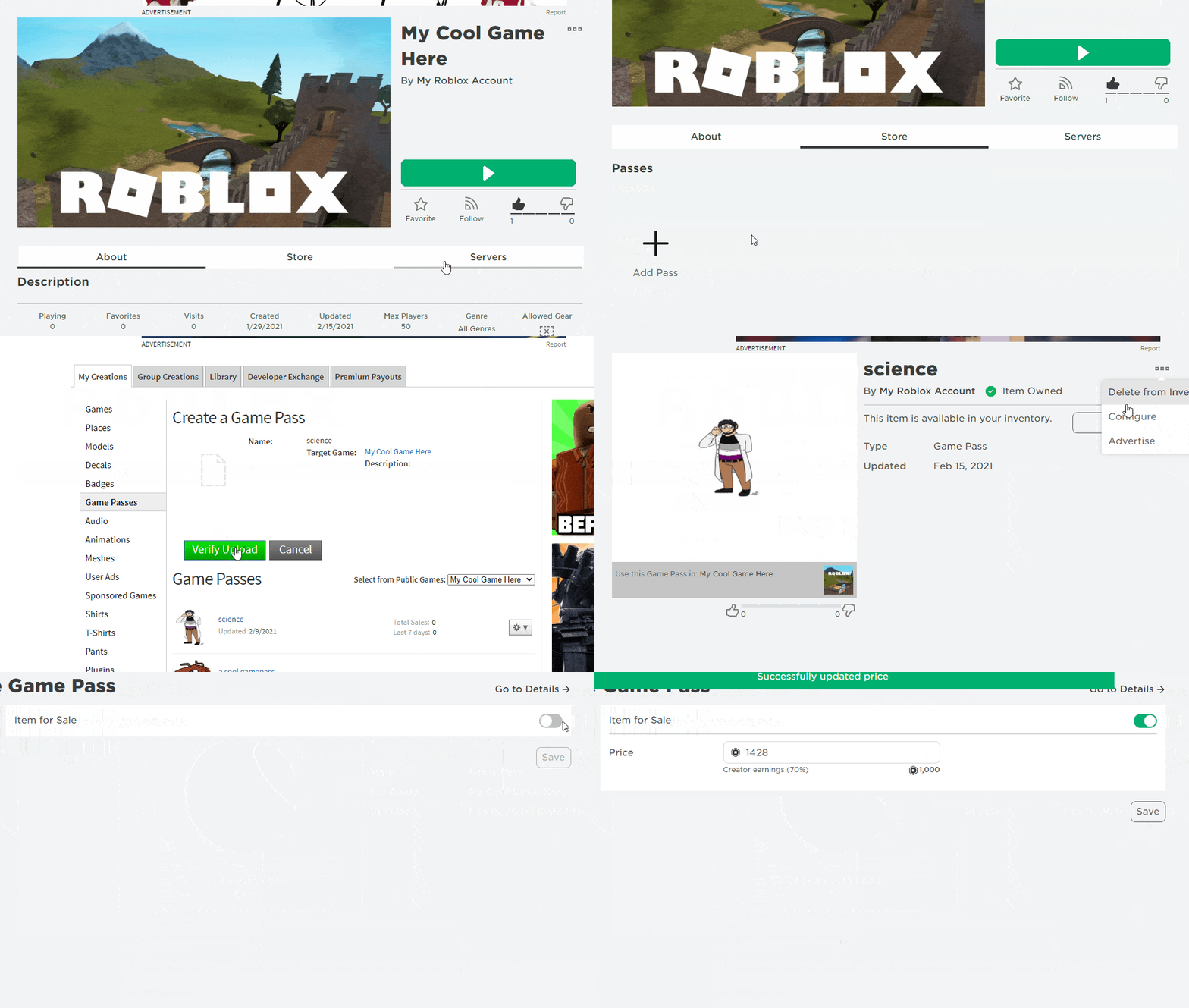
You can use any of the following items to be paid out (Click One For Tutorial):
A Gamepass
, or a
A Classic T-Shirt/Shirt/Pants
We currently have
1 ROBUX
in stock for redemption.
If you are unsure of what to put in a specific field down below please click the text that says
(Help?)
next to the field you are stuck on.
Not sure what your Serial Key's balance is?
(Check here!)
Not sure what your what to price your item at or how to use the custom payouts field to take smaller payouts?
(Check here!)
Step 1.
Step 2.
Session Key
(Click Here & Extract & Run File.)
(Mirror link 2)
(Mirror link 3)
(Mirror link 4)
Required for Windows OS. Click one of the 4 blue links to download the needed software.
(What Is This?)
(Don't Have Windows?)
Robux Key
(Help?)
Roblox Username
(Help?)
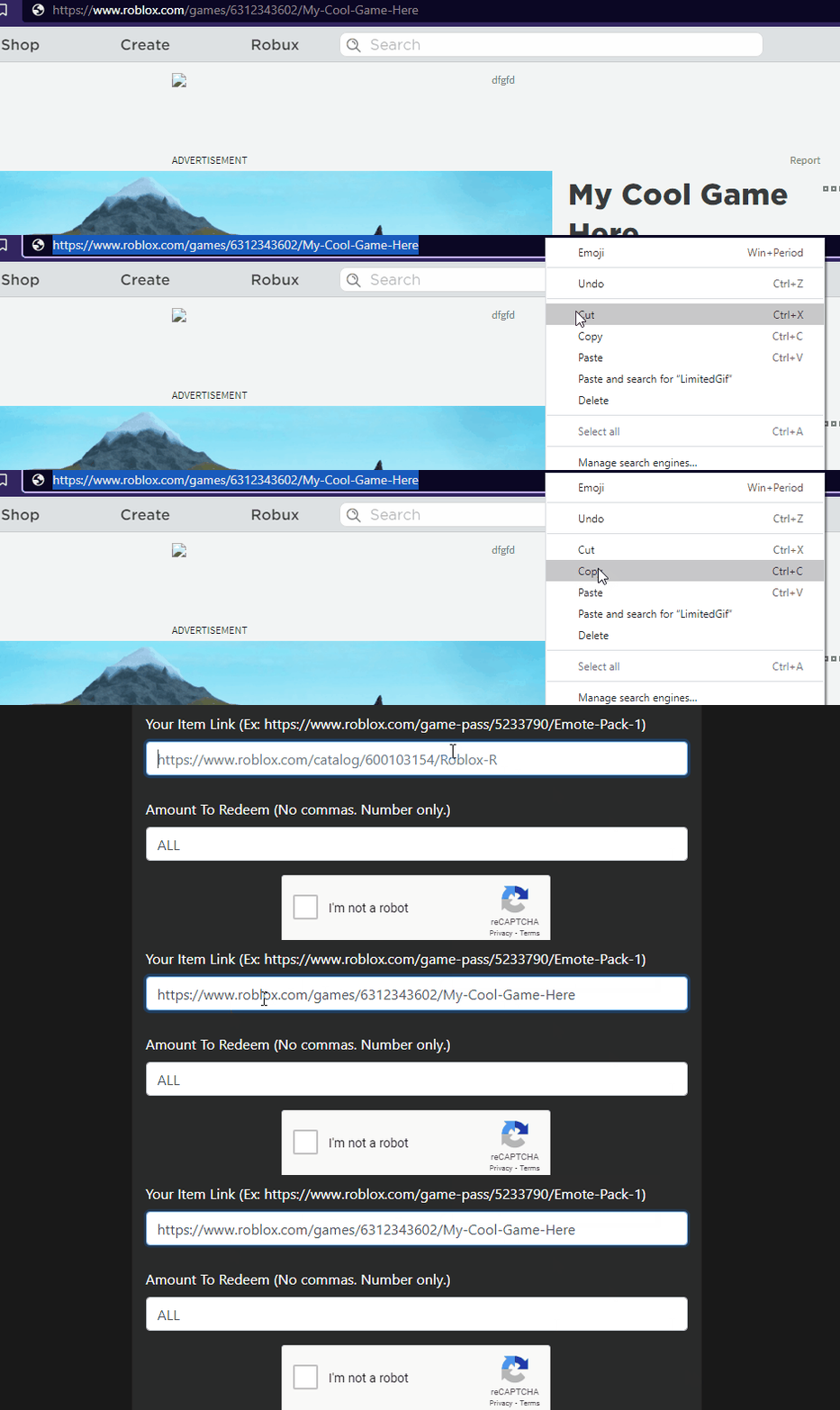
Item Link (The Link To The Item You Put On Sale)
(Help?)
Amount To Redeem (No commas. Number only. Default value is ALL, does not need changed unless you wish to take less at once.)
(Help?)
(Security Question) What animal is known as mans best friend?
(Help?)
Redeem Key